

 ChatGPT
  Gemini
  Claude
  Perplexity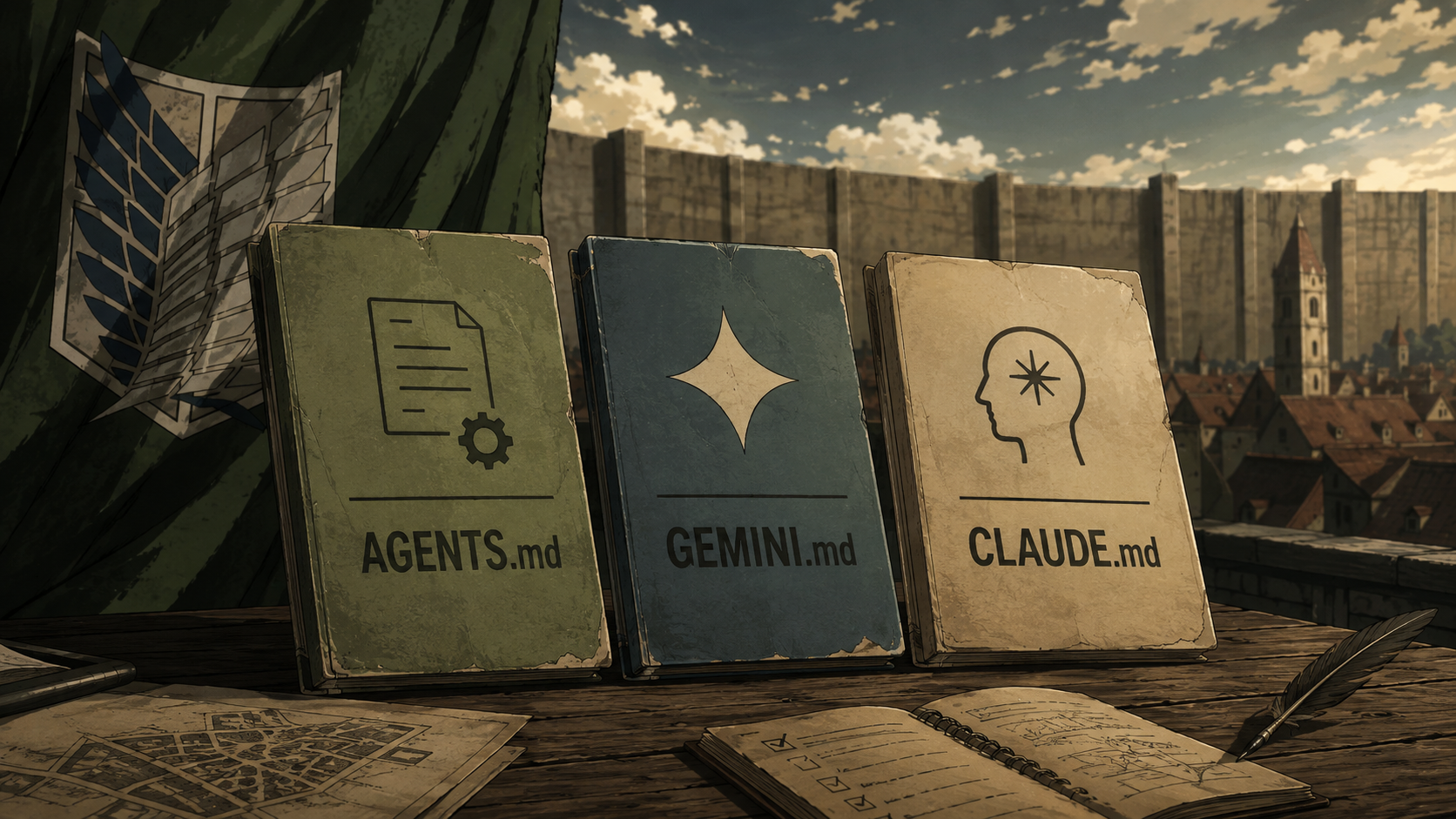
The first time an AI coding agent opens an unfamiliar repository, it has the same problem as a new teammate: it does not know which package manager you use, where business logic belongs, what must never be changed, or which checks define “done.”
You can repeat those instructions in every conversation. Or you can place them in a Markdown file that the agent reads automatically.
The problem is that the filenames differ:
- OpenAI Codex uses
AGENTS.md. - Claude Code uses
CLAUDE.md. - Gemini CLI uses
GEMINI.mdby default. - Google Antigravity CLI supports existing
GEMINI.mdandAGENTS.mdworkspace rules.
These files look interchangeable because they are all Markdown. Their discovery, precedence, imports, local overrides, and debugging tools are not identical.
This guide compares the documented behavior of each system and proposes a maintainable setup for repositories used with more than one coding agent.
The short answer
If your team uses multiple agents, I recommend this arrangement:
- Put shared project instructions in a root
AGENTS.md. - Let Codex read it natively.
- Import it from a small
CLAUDE.mdfor Claude Code. - Configure Gemini CLI to use
AGENTS.md, or keep a smallGEMINI.mdcontaining only Google-specific additions. - Use nested or path-scoped files only when instructions genuinely differ within a subproject.
The objective is not to support every filename equally. It is to maintain one source of truth and keep adapters small enough that they cannot quietly drift apart.
What these files actually do
An agent instruction file is persistent context for a repository. It can explain:
- How to install, run, test, and build the project.
- Where important modules and product rules live.
- Which coding and accessibility standards apply.
- What verification is required after a change.
- Which files, data, or actions require extra care.
- How pull requests or reviews should be prepared.
It is best understood as a README for an agent, not as executable configuration. The AGENTS.md open-format documentation uses the same analogy.
There is an important limitation: these are instructions delivered to a model. They influence behavior, but they are not a security boundary. If a rule must be enforced every time, use permissions, a sandbox, hooks, branch protection, CI, or another deterministic control.
Comparison at a glance
| Capability | Codex: AGENTS.md | Claude Code: CLAUDE.md | Gemini/Antigravity: GEMINI.md |
|---|---|---|---|
| Global personal instructions | ~/.codex/AGENTS.md | ~/.claude/CLAUDE.md | ~/.gemini/GEMINI.md |
| Project instructions | Root and ancestor AGENTS.md files | ./CLAUDE.md or ./.claude/CLAUDE.md | Workspace and ancestor GEMINI.md files |
| Nested instructions | Loaded from project root to the launch directory | Loaded on demand when Claude reads inside a subdirectory | Discovered just in time when tools access a directory |
| Dedicated local-only file | No direct equivalent; use an override or global/project configuration carefully | CLAUDE.local.md | Use project settings or a non-committed context file configuration |
| Explicit override file | AGENTS.override.md | No equivalent filename; later context is more specific but conflicts are not hard overrides | No equivalent default override filename |
| Import other files | No documented Markdown import syntax | @path/to/file | @path/to/file |
| Modular path rules | Nested AGENTS.md files | .claude/rules/*.md with path patterns | JIT context files; Antigravity also provides .agents/rules/ |
| Inspect loaded context | Ask Codex to list or summarize loaded sources; logs can provide more detail | /memory | /memory show and /memory list |
| Reload after editing | Start a new run or session | Start a new session; /memory helps inspect current files | /memory reload |
| Can use another filename? | Yes, through configured fallback filenames | Import or symlink another file | Yes, through context.fileName |
The table is useful for orientation, but the loading behavior is where mistakes usually happen.
How Codex reads AGENTS.md
Codex creates an instruction chain at the beginning of a run. According to the official Codex AGENTS.md documentation, discovery works in two stages.
First, Codex checks its home directory, normally ~/.codex. It uses AGENTS.override.md when present; otherwise it reads AGENTS.md. Only the first non-empty file at this global level is used.
Next, it identifies the project root—usually the Git root—and walks down to the current working directory. At each level, it checks:
AGENTS.override.mdAGENTS.md- Any fallback filenames configured in
project_doc_fallback_filenames
Codex includes at most one instruction file from each directory. It joins the selected files from the project root downward, so guidance nearer the working directory appears later and takes precedence when instructions conflict.
This detail matters in a monorepo. If you launch Codex from the repository root, it does not automatically build its initial instruction chain from every nested package. Launching it inside services/payments/ allows it to combine the root instructions with the payment-specific instructions along that path.
Codex also has a default combined project-instruction limit of 32 KiB. You can adjust it through project_doc_max_bytes, but increasing the limit should not be the first solution. Large instruction files consume context and make important rules harder to notice.
A useful Codex structure looks like this:
project/
├── AGENTS.md
├── apps/
│   └── web/
│       └── AGENTS.md
└── services/
    └── payments/
        └── AGENTS.override.md
The root file contains shared expectations. The web file contains frontend-specific commands. The payment override holds rules that must take priority when Codex is launched in that service.
How Claude Code reads CLAUDE.md
Claude Code supports more instruction scopes and more explicit modularization. The official Claude Code memory documentation lists four main locations:
- A managed organization policy file.
- Personal instructions in
~/.claude/CLAUDE.md. - Shared project instructions in
./CLAUDE.mdor./.claude/CLAUDE.md. - Private project instructions in
./CLAUDE.local.md, which should normally be ignored by Git.
When Claude starts, it walks upward from the current working directory and loads the applicable CLAUDE.md and CLAUDE.local.md files. Instructions closer to the launch directory appear later in the combined context.
Claude also discovers files below the working directory, but it does so lazily. A nested CLAUDE.md is added when Claude reads files inside that subdirectory. This keeps specialized instructions out of the initial context until they are relevant.
For larger projects, Claude offers .claude/rules/. A rule can be always active or scoped to file patterns:
---
paths:
  - "src/components/**/*.{ts,tsx}"
---

# Component rules

- Preserve keyboard navigation and visible focus states.
- Use existing design tokens instead of hardcoded colors.
- Add or update component tests when behavior changes.
Claude also supports imports using @path/to/file. That gives us a clean way to reuse AGENTS.md:
@AGENTS.md

## Claude Code-specific guidance

- Use plan mode before changing authentication or billing flows.
- Put reusable Claude workflows in skills, not in this file.
Anthropic explicitly recommends this adapter when a repository already uses AGENTS.md. A symlink can also work, but an import is easier to extend and works on Windows without special symlink permissions.
One more distinction is worth preserving: Claude Code separates instructions you write from auto memory it writes for itself. Do not confuse CLAUDE.md with the generated MEMORY.md. The former is team guidance; the latter contains machine-local learnings accumulated across sessions.
How Gemini CLI and Antigravity read project context
Gemini CLI calls GEMINI.md a context file and loads it through a hierarchical memory system. The official Gemini CLI documentation describes three sources:
- Global context from
~/.gemini/GEMINI.md. - Context from configured workspace directories and their parents.
- Just-in-time context discovered when a tool accesses a file or directory.
That third behavior is particularly useful in large repositories. Gemini can enter a package, discover its local GEMINI.md, and add the narrower context only when the package becomes relevant.
Gemini supports @file.md imports and lets you change the default filename through context.fileName in settings.json. If AGENTS.md is your canonical file, the project setting can be:
{
  "context": {
    "fileName": "AGENTS.md"
  }
}
Gemini’s /memory show command displays the concatenated instructional context, while /memory list shows its sources and /memory reload rescans the files after changes.
For individual users, Google moved its terminal experience from Gemini CLI to Antigravity CLI in June 2026. Google says existing workspace context remains compatible: Antigravity continues to read GEMINI.md and AGENTS.md, while global developer context remains at ~/.gemini/GEMINI.md. The details are documented in Google’s Gemini CLI migration guide and account deprecation notice.
Antigravity also introduces .agents/rules/ for modular rules, including always-on, model-selected, manually activated, and glob-scoped behavior. That makes its newer rule system closer to Claude’s path-scoped approach than a single large root context file.
The biggest difference: when narrower instructions appear
All three systems support hierarchy, but “hierarchy” does not mean exactly the same thing.
- Codex builds its instruction chain from the project root to the current working directory at the start of a run.
- Claude Code loads applicable ancestors at launch and can add nested instructions when it reads files inside a subdirectory.
- Gemini and Antigravity can discover narrower context just in time when their tools enter a directory.
This changes how I would organize a monorepo.
With Codex, I would launch the agent from the package I expect it to change when package-specific instructions are important. With Claude or Google’s tools, I can rely more heavily on lazy or path-scoped discovery—but I would still verify the loaded context instead of assuming it worked.
A maintainable multi-agent setup
Here is a compact structure that avoids three copies of the same rules:
project/
├── AGENTS.md
├── CLAUDE.md
├── .gemini/
│   └── settings.json
├── .claude/
│   └── rules/
│       └── accessibility.md
├── apps/
│   └── web/
│       └── AGENTS.md
└── docs/
    └── architecture.md
The root AGENTS.md might contain:
# Project instructions

## Product context

This is a B2B healthcare application used by patients and clinicians.
Changes must preserve privacy, accessibility, and understandable recovery paths.

## Commands

- Install dependencies: `pnpm install`
- Run locally: `pnpm dev`
- Type-check: `pnpm typecheck`
- Test: `pnpm test`
- Build: `pnpm build`

## Engineering expectations

- Reuse existing components and design tokens before adding new ones.
- Keep domain rules outside presentation components.
- Do not add a production dependency without explaining why it is needed.
- Never use real patient or customer data in tests, prompts, or screenshots.

## Definition of done

- Test the changed behavior and relevant failure states.
- Check keyboard navigation and visible focus for interaction changes.
- Run type-checking and relevant tests.
- Summarize limitations and any checks that could not be run.
Then CLAUDE.md imports the shared file:
@AGENTS.md

## Claude-specific guidance

- Use `.claude/rules/` for path-specific instructions.
Gemini CLI is configured to treat AGENTS.md as its context filename. Antigravity reads the shared file directly. Tool-specific files contain only real differences, never a rewritten copy of the shared rules.
What not to put in an agent instruction file
Do not turn these files into a second documentation website. Avoid:
- API keys, credentials, private URLs, patient data, or customer data.
- Fast-changing version numbers that will become false next month.
- Entire architecture documents that can be linked and read when needed.
- Rules already enforced reliably by formatting, linting, CI, or permissions.
- Vague requests such as “write clean code” or “make the UX intuitive.”
- Contradictory instructions copied across several agent-specific files.
- Long procedures that would work better as an agent skill or script.
Good instructions are specific, durable, relevant to most tasks in their scope, and easy to verify.
“Follow best practices” is weak. “Run pnpm typecheck and the tests for the changed package before finishing” is observable.
Verify what the agent actually loaded
Do not wait for an incorrect change to discover that the agent missed your instructions.
For Codex, start a new run from the intended directory and ask:
List the instruction files you loaded, in precedence order. Then summarize the active build, test, accessibility, and safety requirements.For Claude Code, open /memory and check the listed CLAUDE.md, local, and rules files. For Gemini CLI, use /memory list and /memory show; after editing context, run /memory reload.
I also recommend a small conflict test before adopting a complex hierarchy:
- Put a harmless rule in the root file.
- Add a more specific version inside one package.
- Start the agent from the location your team normally uses.
- Ask it to list the active rule and its source.
- Remove the test rule after confirming discovery.
This verifies the actual tool version and repository structure you use, not only a documentation example.
Which file should you choose?
Use AGENTS.md as the shared project file when:
- The repository is used with Codex or several different agents.
- You want a neutral, open filename committed with the project.
- Your shared guidance is mostly commands, conventions, constraints, and verification expectations.
Use additional CLAUDE.md content when:
- You need Claude-specific imports, local instructions, or
.claude/rules/. - A Claude workflow should not affect other agents.
Use additional GEMINI.md or Antigravity rules when:
- You need Google-specific context or global Gemini preferences.
- You rely on Google-specific rule activation or just-in-time context behavior.
The filename is not the real design decision. The real decision is where each instruction should live, how narrowly it should apply, and whether it is guidance or enforcement.
My default is simple: shared rules in AGENTS.md, small adapters for individual tools, and deterministic controls for anything that cannot be left to model judgment.
Related reading
- Gemini CLI with GEMINI.md: Examples and Best Practices
- ELI5: What is Context Engineering in AI?
- ELI5: What is MCP in AI?